


Introducing the Latest PRISM Enhancements



At Addison Lee, we’re always looking for ways to make managing your business travel simpler, faster, and more flexible. That’s why we’re excited to introduce the latest enhancements to PRISM, our online booking platform designed for corporate users. These updates give you greater control, flexibility, and visibility, helping you manage your account exactly the way your business needs.
What’s New in PRISM?
With these new enhancements, you can now:
-
Self-manage your account settings – Update office locations, billing, and invoice details directly within your account.
-
Take control of delegation – Adjust how booking permissions and approvals work for your team.
-
Customise your booking portal – Upload your company logo and branding for a fully co-branded booking experience.
These improvements are all about giving you more autonomy and reducing the administrative burden on your team, so you can focus on what really matters: running your business.
Quick Guides to Key Actions
To help you make the most of the new features, we’ve put together some quick how-to guides:
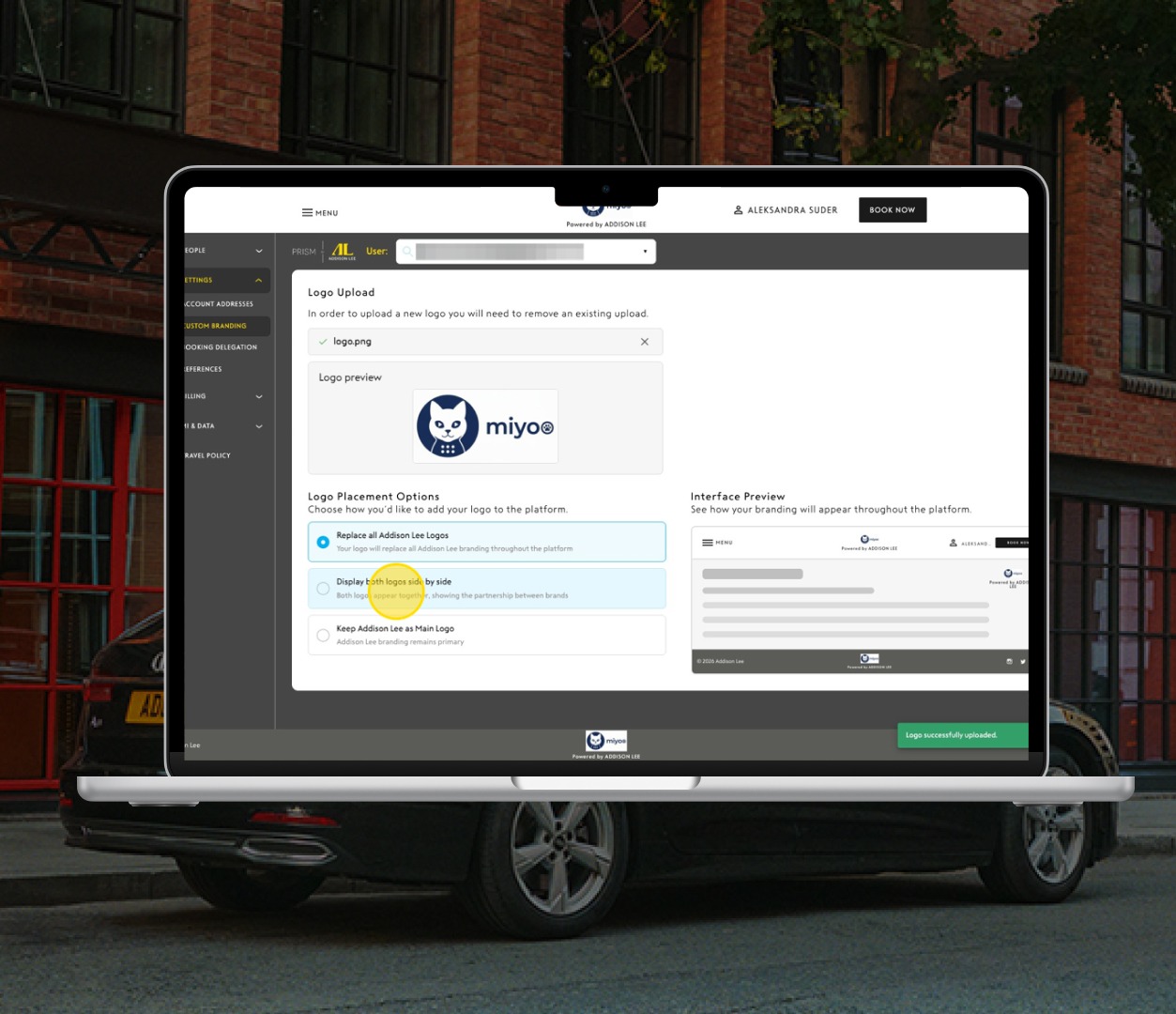
How to upload custom logos (Co-branding)
Make your PRISM booking portal uniquely yours by adding your company branding.
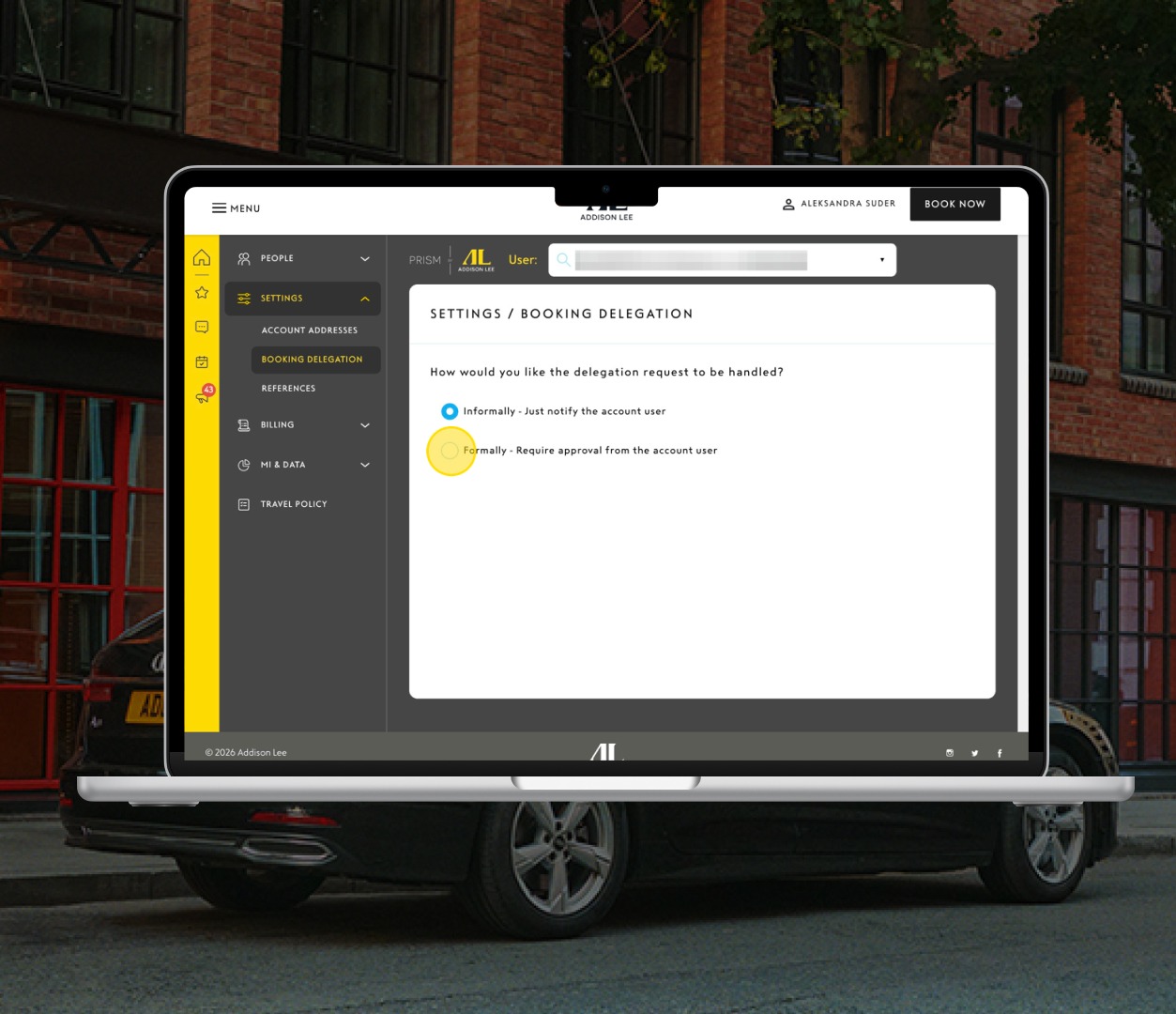
How to set up formal booking approval
Ensure that bookings follow your company’s internal approval processes.
How to assign a security role to a new user
Control access levels for your team members, so the right people have the right permissions.
How to make an existing user a security user
Update roles for existing users without the need for IT support.
How to add a global address to your account
Simplify bookings across multiple locations by storing global addresses in your account.
Need Help?
Our team is here to support you. If you have any questions or need assistance, please reach out to us at [email protected]
These PRISM updates are all part of our ongoing commitment to make corporate travel management as seamless as possible. Whether you’re setting up your account, managing approvals, or customising your booking portal, PRISM continues to give you the flexibility and control you need.
Related posts
-
 Business|London|
5 Commuter Essentials Shaping the London Working Day
Commuting in London doesn’t have to define your day. From smarter planning to more comfortable travel, discover five commuter essentials designed to help professionals start their mornings feeling calm, focused, and in control.
-
 Business|Driver|News|
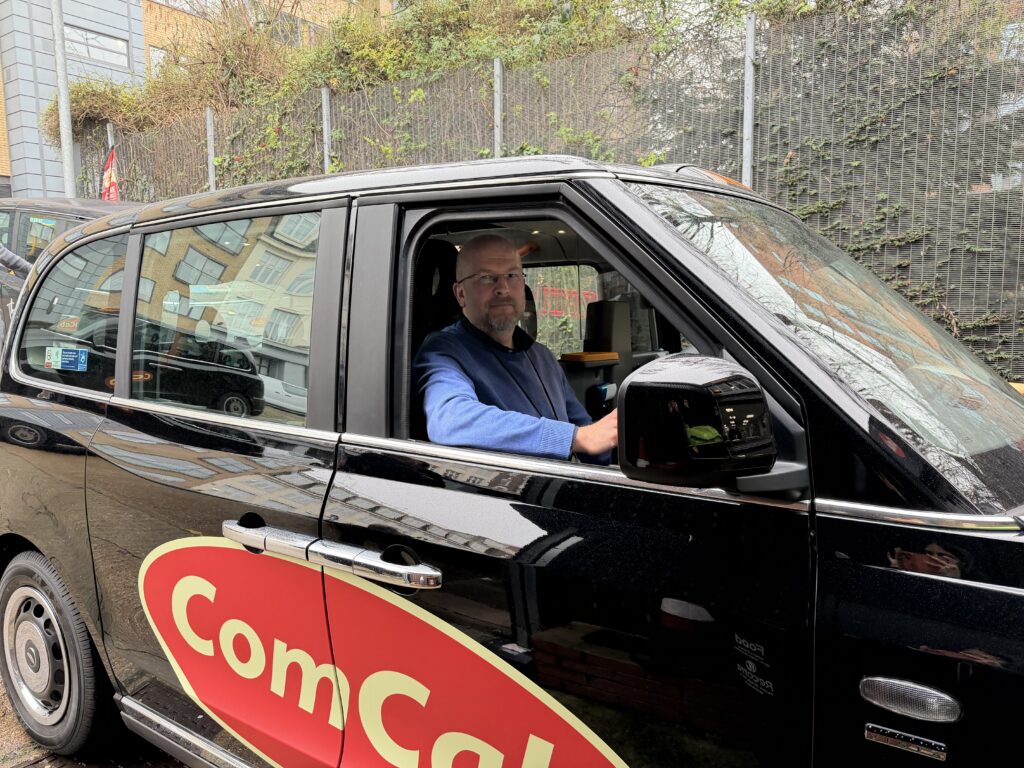
Addison Lee Knowledge School Celebrates First Driver to Earn Green Badge
18-year Addison Lee driver qualifies as Black Taxi driver after completing the Knowledge in under two years
-
 Business|London|
Addison Lee’s As Directed Service
Rather than juggling multiple point-to-point journeys, our hourly hire provides a seamless, chauffeur-driven experience that adapts around you, not the other way around.
-
 Business|London|
London’s Best Spots for Business Lunches
Here’s our curated guide to the best business lunch destinations across the city.
-
 Business|
New York City Business Travel Guide
We’ve created this practical guide to help you travel smarter, stay productive and make the most of every minute in the Big Apple.
-
 Business|London|News|
A Look Back and a Glance Ahead
As we step into 2026, it feels like the perfect moment to reflect on the momentum that carried us through last year, not just in terms of travel, but in how we work and how we adapt to change.